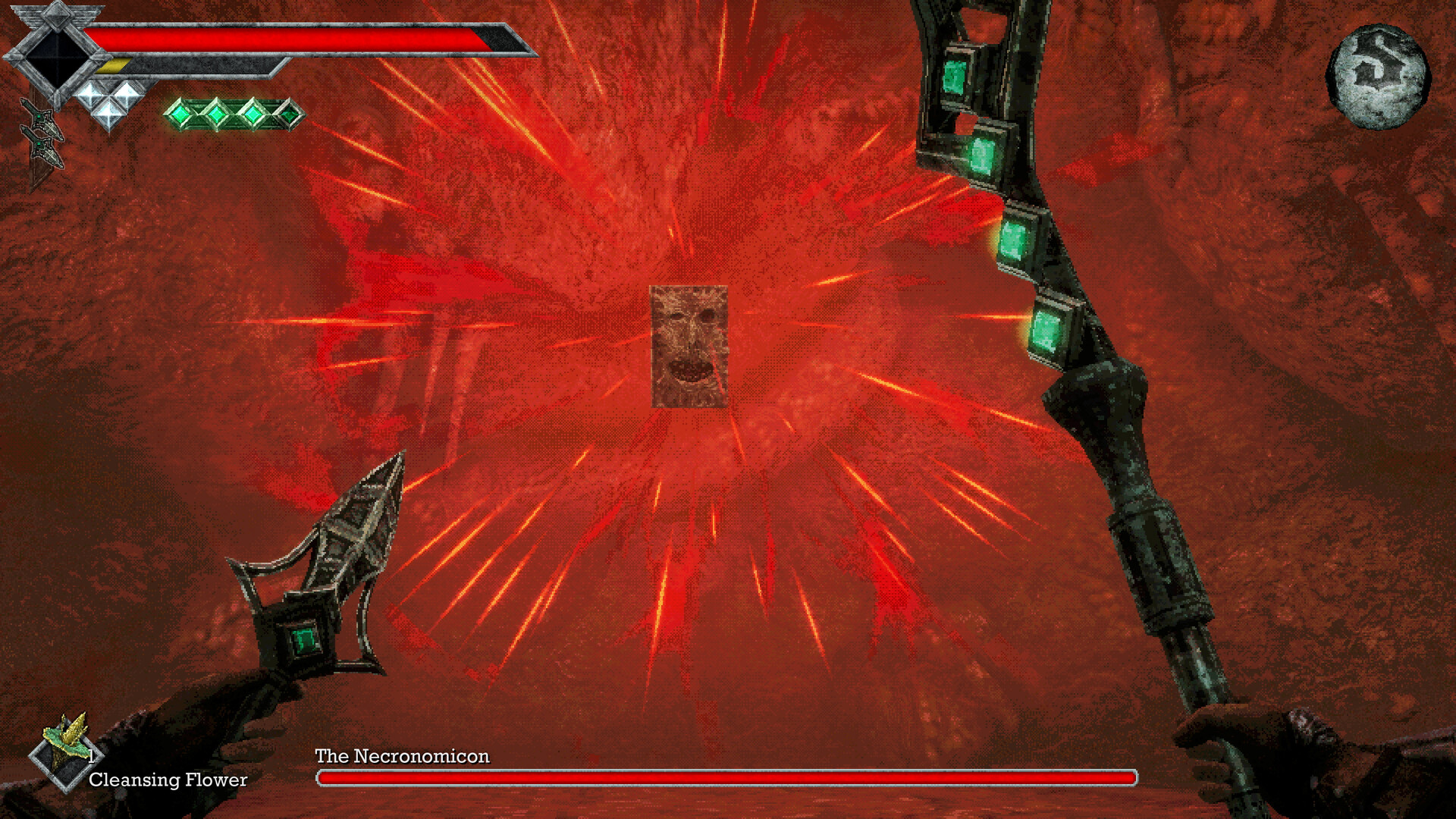
Survive by Saving and Pacing Your Attacks
Survive Queen's Domain's early combat by letting the Power Meter recover between strikes, using rechargeable throwing daggers to keep your distance, and saving manually at Crystal Monuments. Rest to restore health and clear negative status effects, then save separately to protect your progress.
Save Before Taking Another Risk
- Return to a known Crystal Monument after an important pickup. This gives you a place to preserve the item before risking another dangerous encounter.
- Choose Rest when you need recovery. It fully restores Life Points and clears negative status effects, while respawning enemies in the area.
- Make a manual save before leaving the monument. Your recent equipment, items, and exploration progress are then preserved for your next attempt.
- Check familiar routes for enemies on your return journey. Enemies can respawn after enough time passes even when you have not rested.
Let the Power Meter Recover Between Hits
The yellow bar below your Life Points is the Power Meter, and it directly affects melee damage. A full bar gives your melee attack its full damage; an empty bar makes attacks very weak. Sprinting drains the same bar and prevents it from recovering until you stop, while Wind Dash also uses Power.
- Stop sprinting as a fight begins. This lets the Power Meter recover before you commit to an exchange.
- Wait for the Power Meter to fill before your next melee attack. Your normal strike can then deal its full damage.
- Move outside the enemy's reach when it commits to an attack. That creates an opening to return with a charged strike.
- Strike during the enemy's recovery when you have a safe opening. A deliberate hit avoids the low damage caused by continuously swinging through an exhausted meter.
- Withdraw after landing the hit. Give the Power Meter time to refill before repeating the exchange.
Charge Attacks When You Have Room
Hold the primary attack button, left-click by default, to charge a stronger melee attack. The Power Meter gradually turns blue, and a completely blue meter means the charged attack deals maximum damage. You can begin charging while the meter is still recovering, but holding a charge prevents sprinting, Wind Dash, and throwing weapons.
Equip Throwing Daggers Before Entering the Crypt
- Collect the Dagger Belt along the early shoreline near the shipwreck. It provides a repeatable ranged attack before you commit to the Crypt.
- Equip the separate throwing-dagger item in a throwing slot. This makes the Dagger Belt's ranged attack available to use.
- Use returning daggers to draw individual enemies away from groups. You can separate a dangerous encounter without immediately entering melee range.
Watch the Dagger Belt Charges indicator for the throwing weapon you currently have equipped. Charges replenish over time, so throwing a dagger does not permanently spend it. Give them time to return rather than planning every encounter around uninterrupted ranged attacks.
Recognize What Each Status Effect Does
Check Status in the Status & Inventory menu when movement, damage, or available attacks suddenly change. The in-game Guide also has a Status Effects section. Use the symptoms below to recognize the problem before changing weapons or spending recovery items.
| Status effect | Effect and visual cue |
|---|---|
| Poison | Gradually drains Life Points; purple mist appears on screen. |
| Heavy | Slows movement and Power Meter recovery; falling white lines resemble rain. |
| Weaken | Increases the damage you receive from enemies. |
| Disease | Reduces your damage output; a black cloud obscures your view. |
| Sticky | Disables throwing weapons; a spider web covers the screen. |
| Binding | Disables magic and magical weapon abilities; glowing green chains appear. |
| Paralysis | Prevents movement and attacks. |
| Azure Flame | Continuously drains Life Points through burning; blue flames appear. |
| Magic Rot | Builds up gradually before rapidly draining Life Points. |
Clear Status Effects and Recover
- Rest at a Crystal Monument when returning is practical. This removes negative status effects and restores Life Points, with enemy respawns as the cost.
- Use a Panacea when you need a cure away from a monument. Umbada sells it for 9 Ancient Coins.
Remove items you do not need from Quick Slots through your inventory to reduce scrolling. Use the mouse wheel to switch between slotted items, then press the Use Item key, F by default, to use the selected item. Keep the list manageable so you can select recovery items more easily during a difficult encounter.
Early Boss Spoilers: Survive the Shrine Guardian
The Club found inside the Crypt deals Impact damage, which targets the Shrine Guardian's weakness. Save after retrieving the Endu Shrine Gate Key so a failed boss attempt does not cost the pickup route. Wind Dash becomes available after this encounter, so plan around ordinary movement and the weapons you already have.
- Equip the Club before entering the Shrine of Endu with the gate key. Its Impact damage gives you a practical weapon for the Guardian.
- Circle away when the Guardian commits to a cleaver attack. Moving around it avoids trading blows directly in front of the boss.
- Land a charged Club hit after the attack animation finishes. The Guardian's recovery gives you an opening for your strike.
- Use Dried Herbs or Elixirs after creating distance from a cleaver swing. This gives you a safer recovery opportunity than healing directly in front of the boss.
- Collect the Holy Sword Endu inside the shrine after defeating the Guardian. It unlocks Wind Dash for reaching places ordinary movement cannot.
- Collect the Stone Duck Figurine from the defeated Guardian. It gives you access to Umbada's Trading Outpost through an activated Crystal Monument.